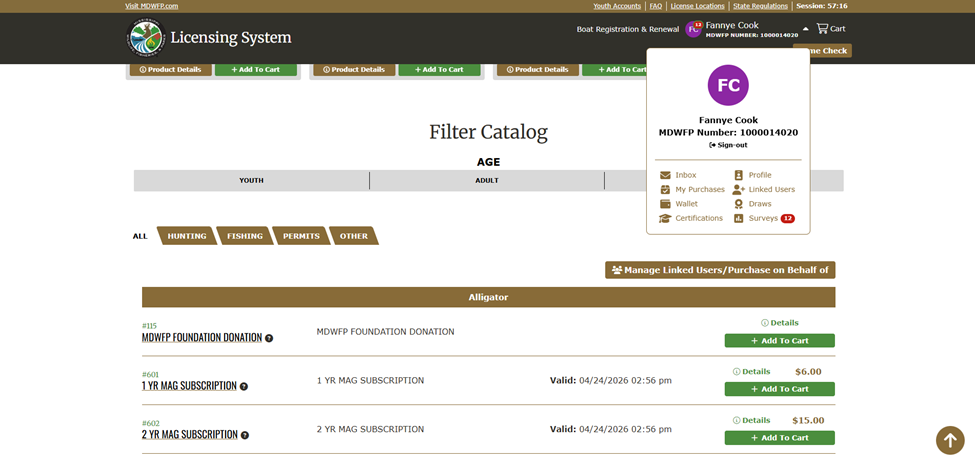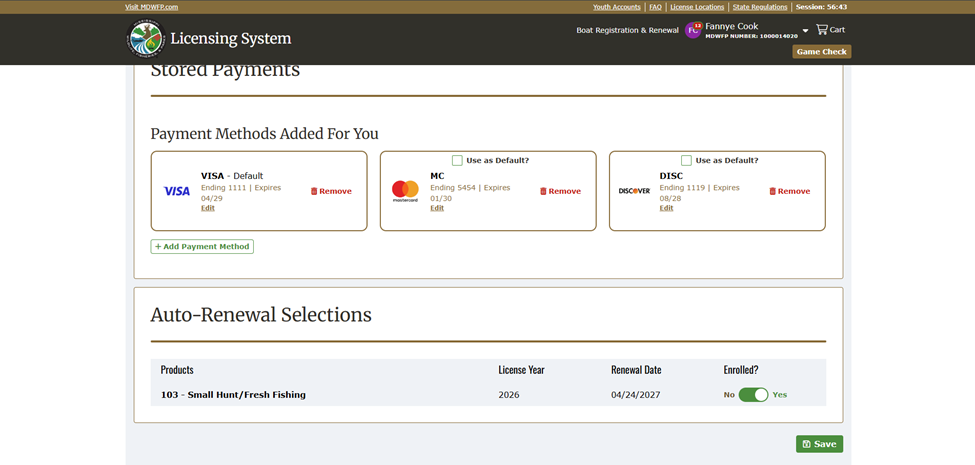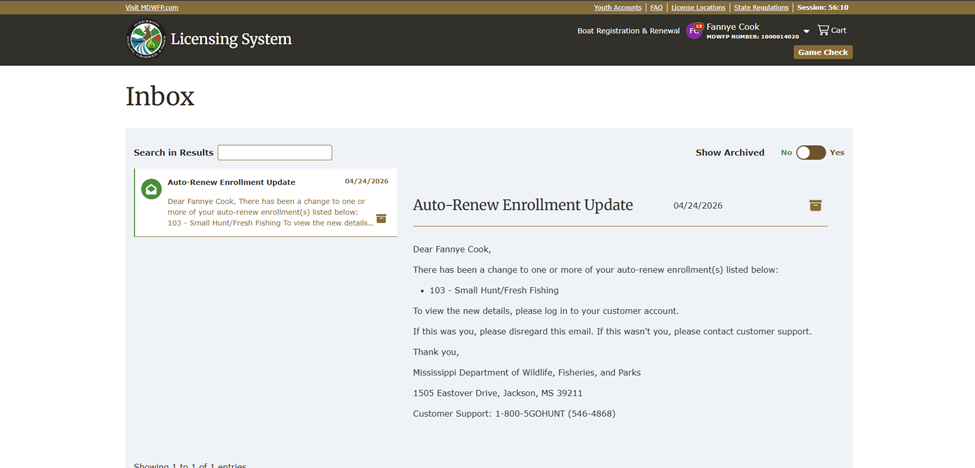
The easiest time to sign up for auto-renew is right when you're making a purchase.
Step 1: Add to cart and select Checkout
Add your item to the cart and select "Checkout."
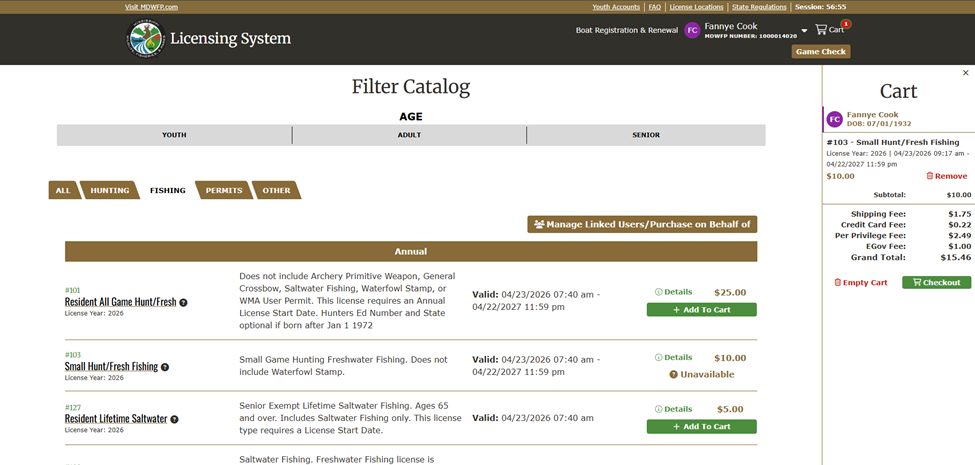
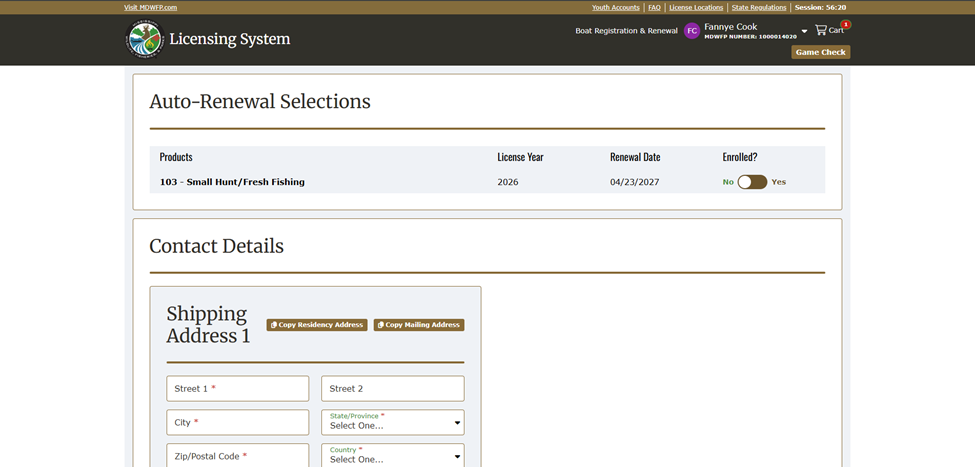
Step 2: Find the Auto-Renewal section
On the checkout page, scroll down to "Auto-Renewal Selections" and toggle "Yes" on the times you would like to Auto-Renew.
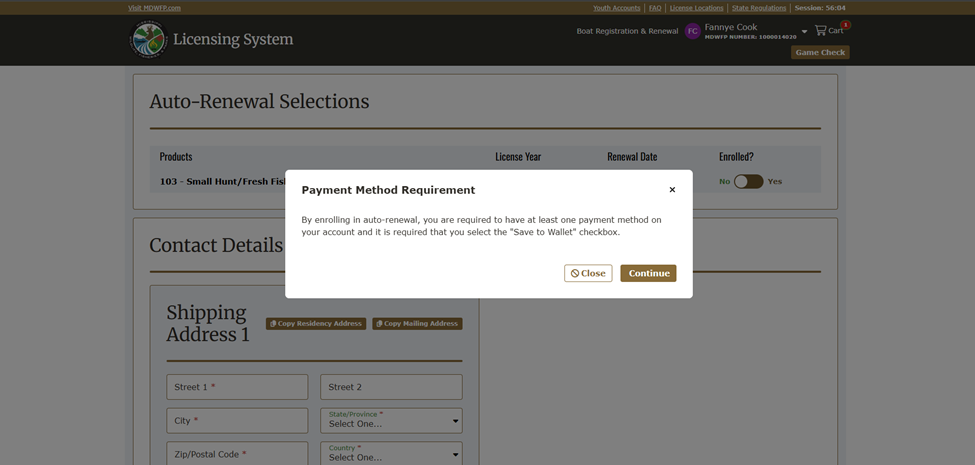
Step 3: Acknowledge the payment method requirement
A pop-up will appear letting you know that a saved payment method is required. Select "Continue."
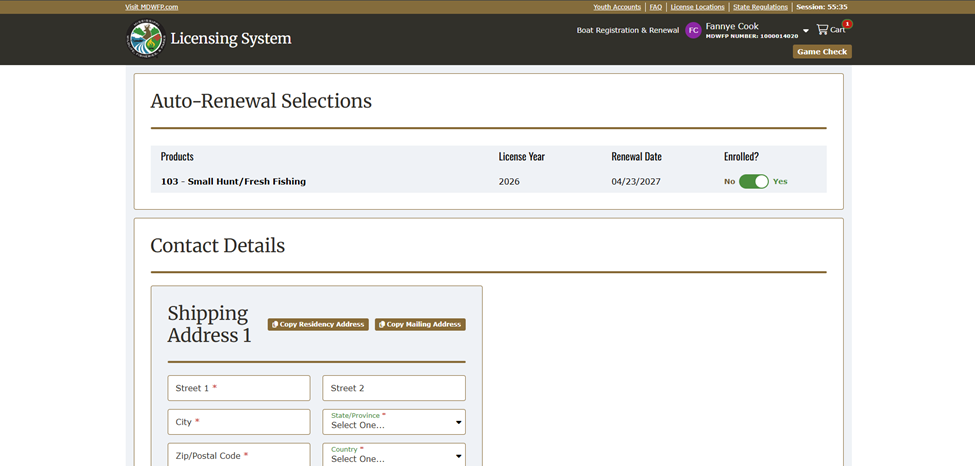
Step 4: Confirm the Enrolled toggle is on
The "Enrolled?" toggle will now be turned on.
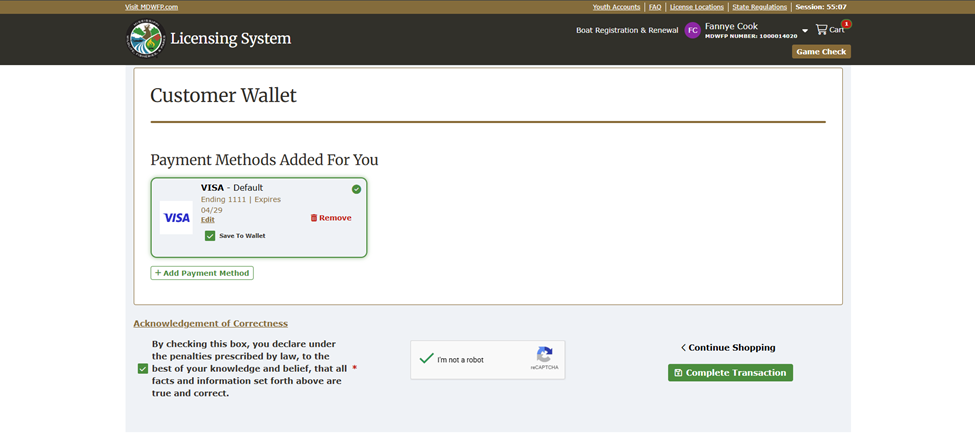
Step 5: Complete your transaction
Fill out your mailing address and customer wallet fields, accept the terms and conditions, and make sure the "Save to Wallet" checkbox is selected. This is required for auto-renew to work going forward.
Step 6: Check your email
Once your purchase is complete, you'll receive two emails: one with your purchase receipt and one confirming your auto-renew enrollment.